From first enquiry to the tenancy on file.
Keep the listing, applicant, viewing and offer together. When an offer is accepted, the resulting tenancy carries the agreed rent forward.
A listing ready to share.
Prepare a listing from the property record and download its text, available photos and Building Energy Rating (BER) details as a pack for Daft or MyHome. Your team uploads it; Leasebook does not publish to those portals for you.
Follow each applicant through the decision.
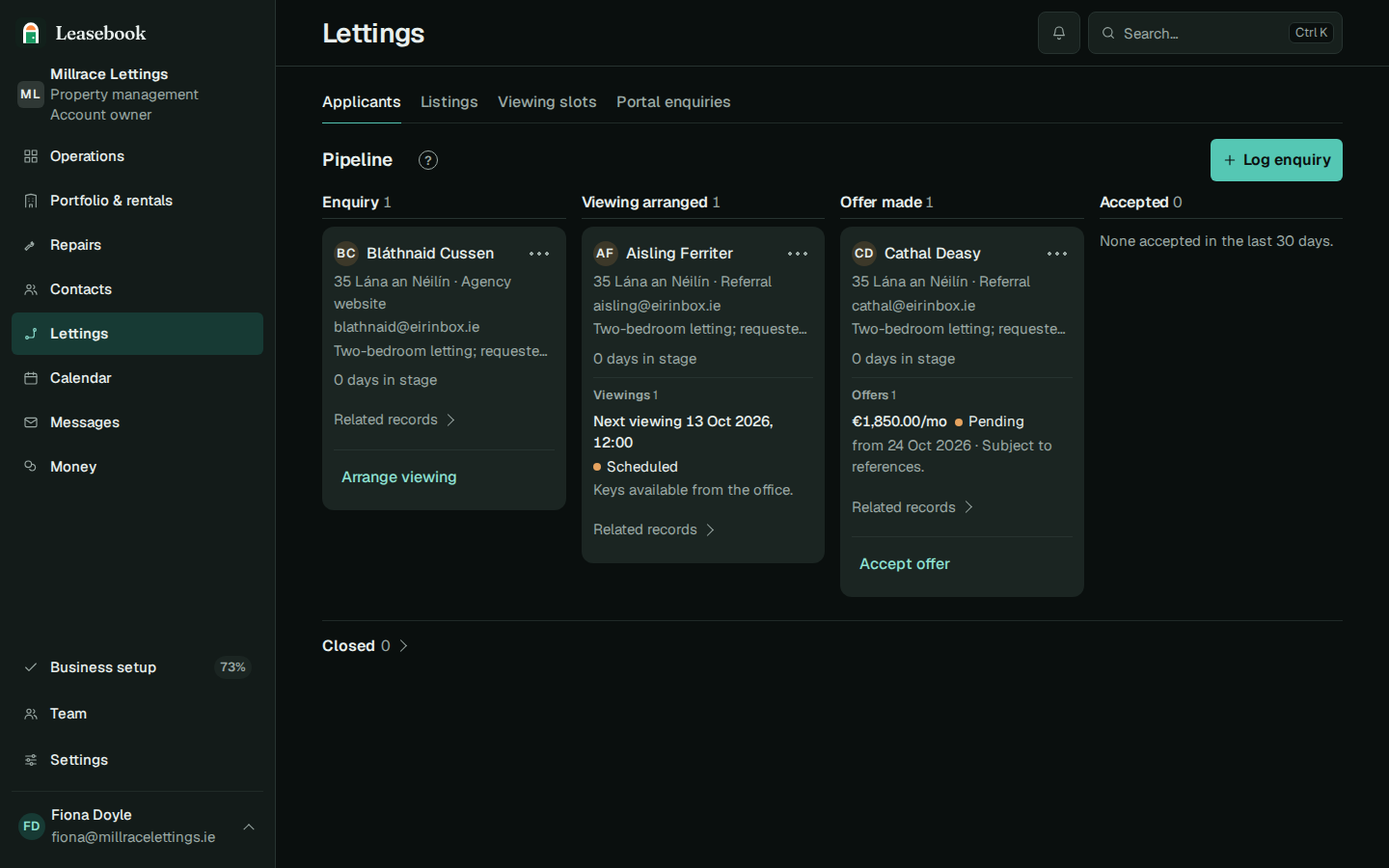
Record enquiries, viewings and offers against the applicant. Mark a missed viewing or withdrawn offer as the situation changes.
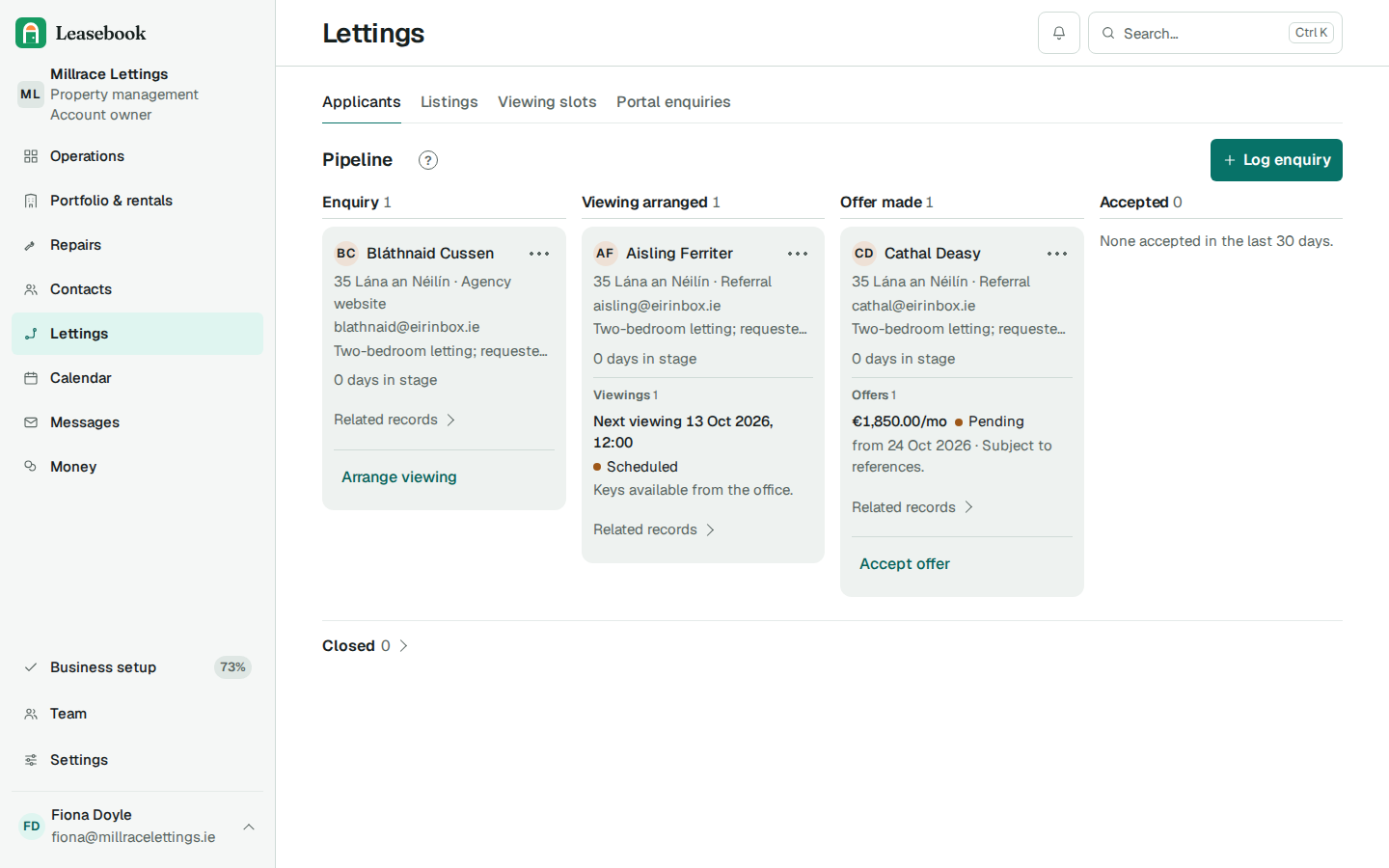
Applicants choose an available viewing slot.
Publish available slots against a listing. An applicant books through the public form, and the booking creates a viewing for your team. Full slots are not offered as available.
Ask the referee; keep the decision with your team.
Create a one-time request link for an employer, previous landlord or personal referee. Keep their answers and a document checklist beside the applicant. Leasebook does not run credit checks or decide whether to accept an applicant.
An accepted offer opens the tenancy record.
Accepting an offer creates one tenancy record with the offered rent, and the application and offer stay with it. You still sign the tenancy agreement, and the RTB registration stays with your team.
Sign the document version you reviewed.
An approval is tied to the exact document version shown to the signer. If the document changes, that approval no longer matches it.
What stays with your team.
You share the portal pack, send the referee link and choose who to let to. Leasebook keeps the steps and their records together.
See the letting journey on an example agency
A walkthrough of a listing, applicants, references and an accepted offer.
Prefer email? hello@leasebook.ie